MatShelf
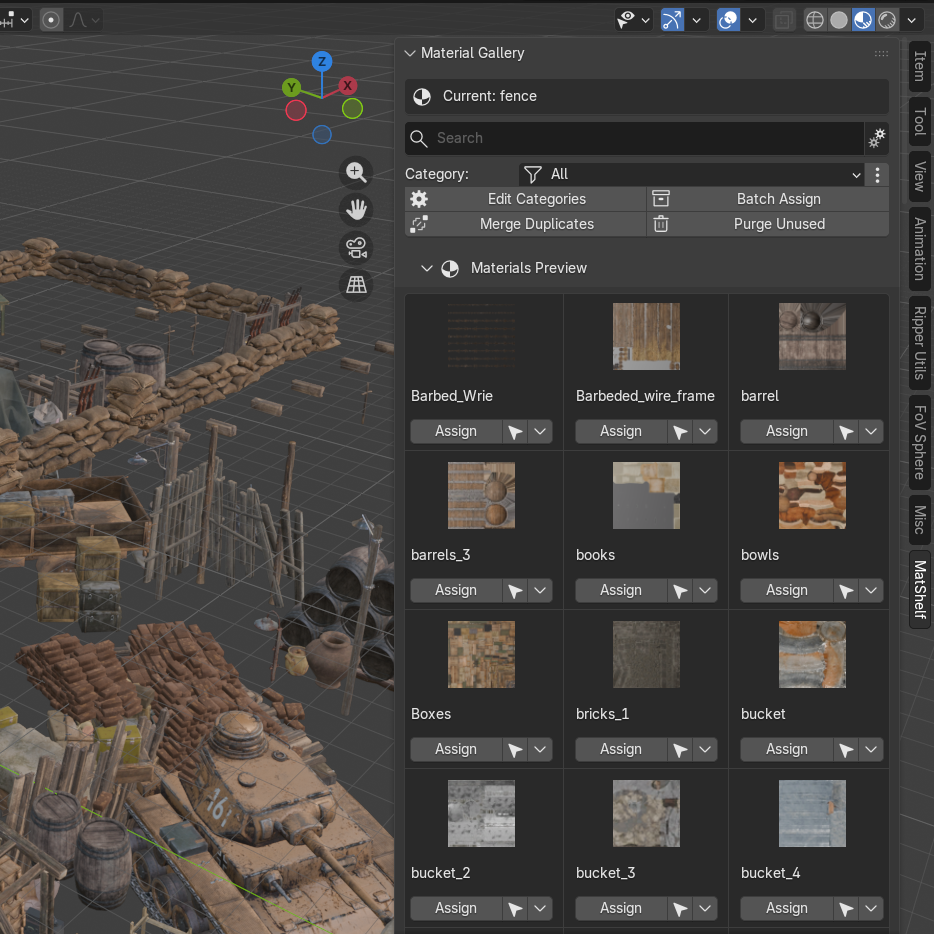
A visual material shelf that helps you manage all the materials in your scene. Browse, organize, search, and assign materials — all from one clean sidebar panel.
Key Features
Visual Gallery with Thumbnails
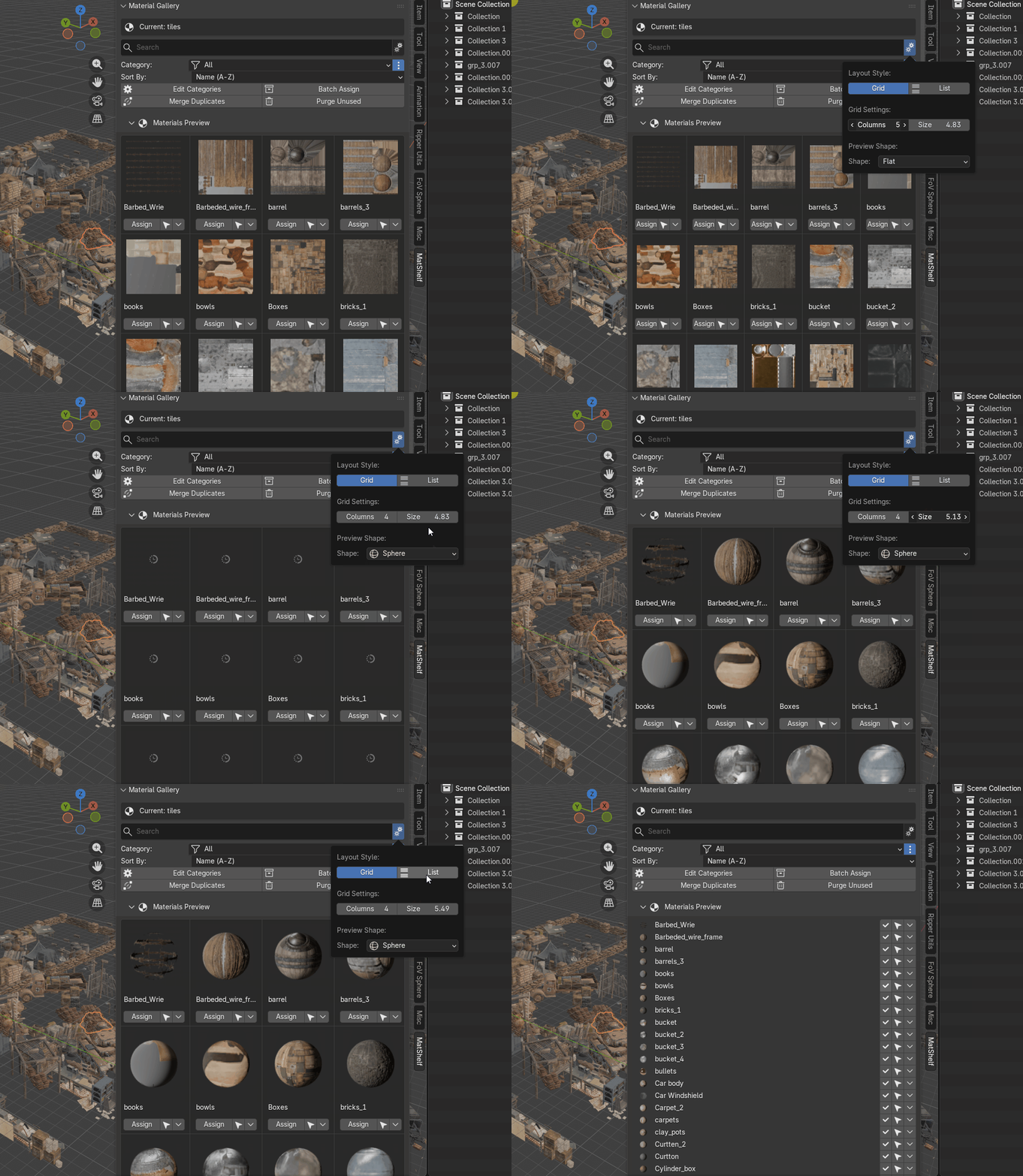
Browse all your materials as live preview thumbnails in a multi-column grid or a compact list view. Adjust column count and preview size to fit your workflow.
Instant Search & Category Filtering
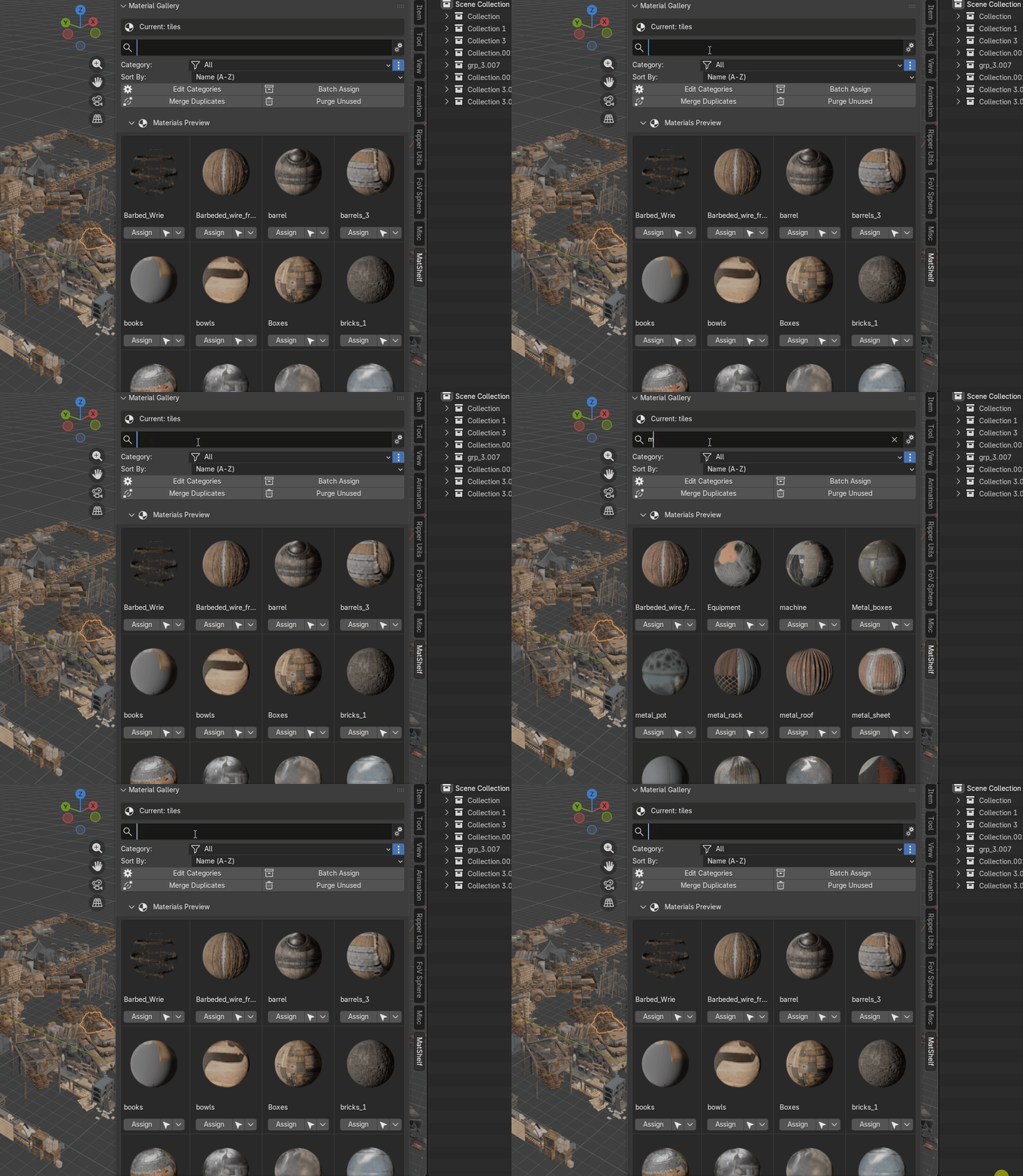
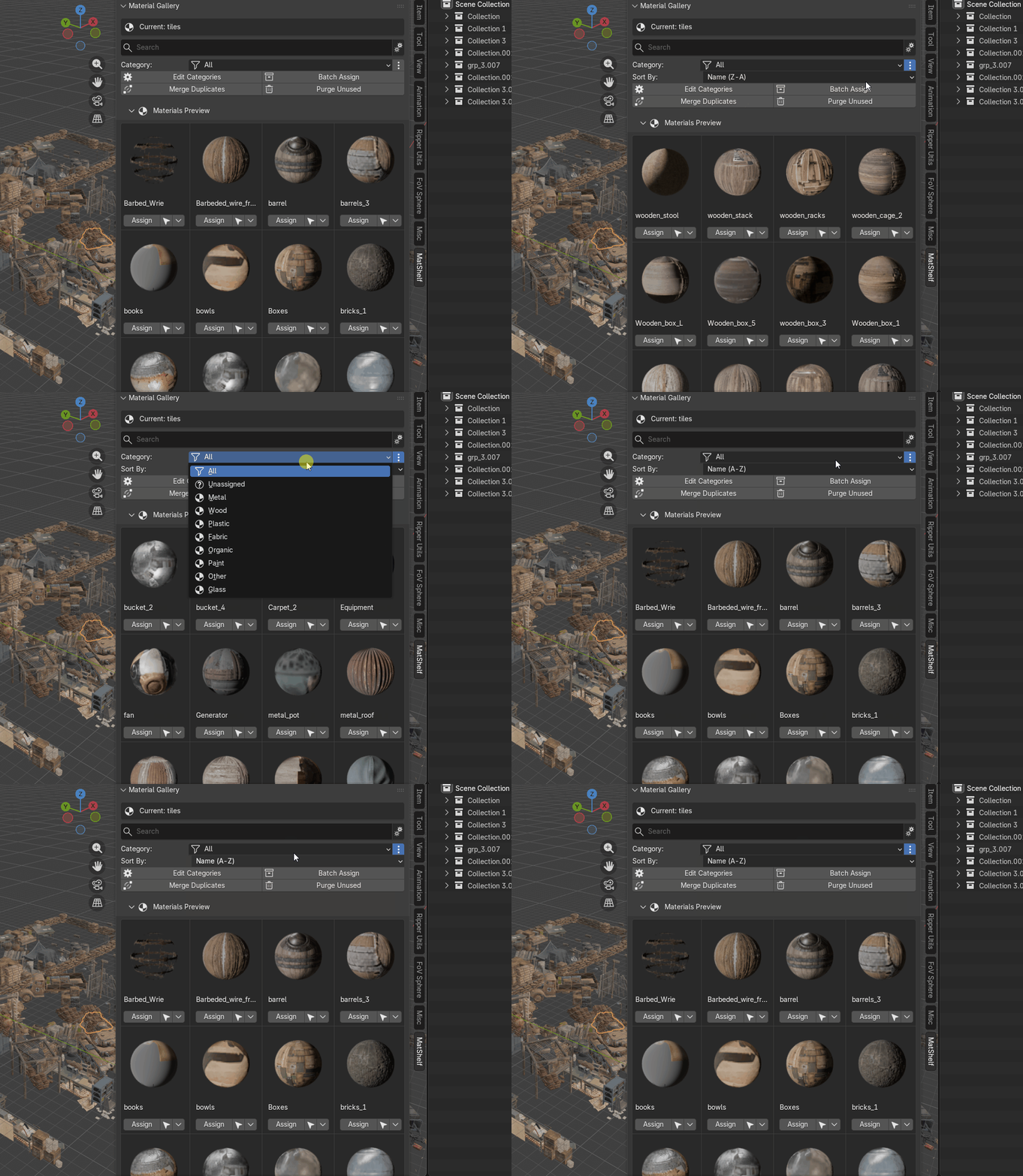
Type to filter materials in real time. Create custom categories (Metals, Glass, Wood…), assign materials to them, and filter the gallery by category.
Smart Assignment (Object + Edit Mode)
Click "Assign" to apply any material to all selected objects. In Edit Mode, it applies the material only to selected faces using bmesh — perfect for multi-material setups.
Advanced Sorting
Sort materials by Name (A→Z or Z→A) or by Usage Count (Most / Least used). Quickly find the materials you need.
Per-Material Operations Menu
Right from the gallery, rename, duplicate, delete, select all users, or change the category of any material via the ▼ dropdown menu.
See It in Action
Everything Included
- Grid & List views — switch layout styles to suit your screen
- Real-time search — type to filter instantly
- Custom categories — add, rename, remove, and batch-assign
- Sort by name or usage — A-Z, Z-A, most/least used
- One-click assign — works in Object & Edit mode
-
Merge duplicates — auto-merges
.001,.002copies - Purge unused — clean up zero-user materials (local, linked, recursive)
- 7 preview shapes — Sphere, Cube, Shader Ball, Flat, Hair, Cloth, Fluid
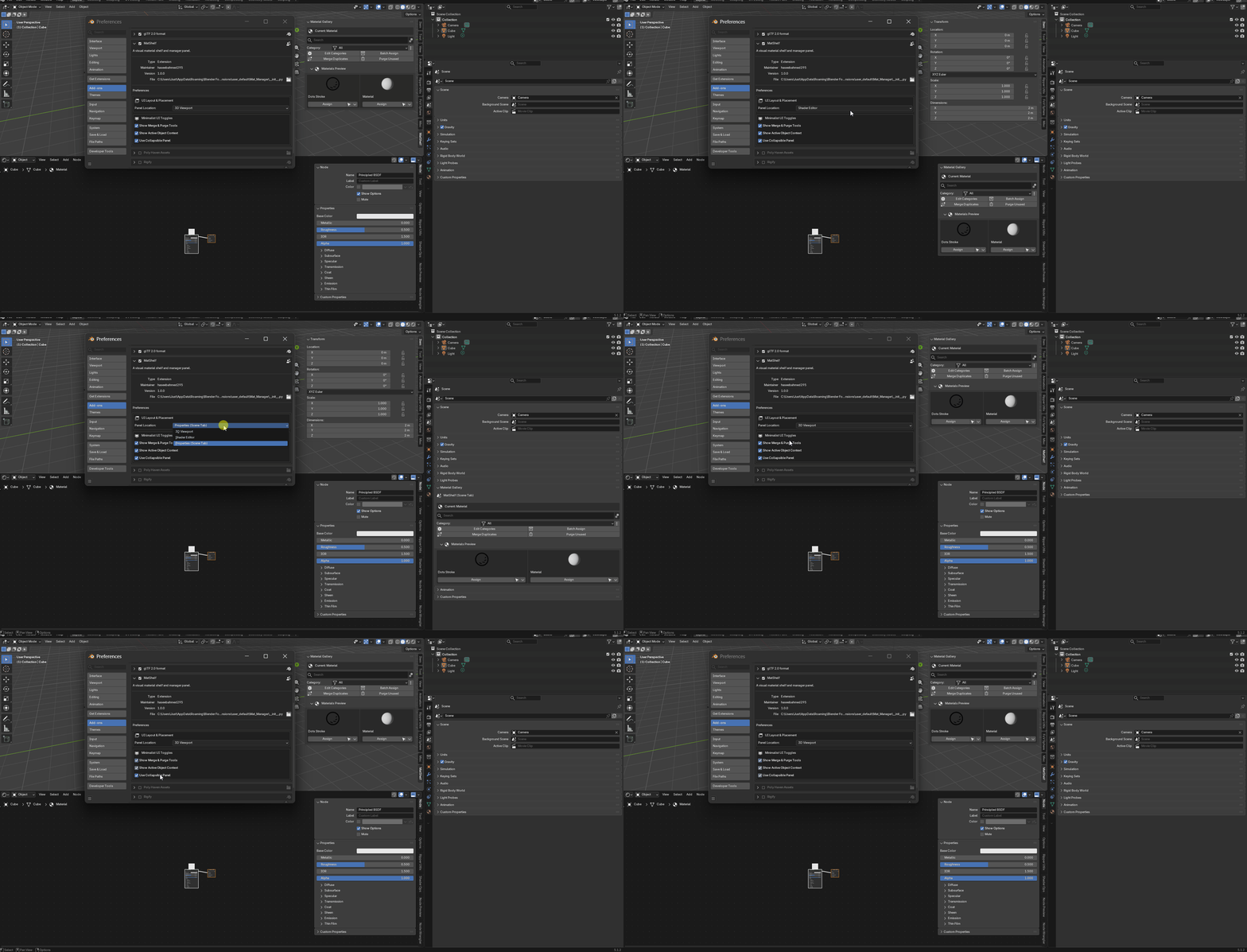
- Customizable panel location — 3D Viewport, Shader Editor, or Properties panel
Go to Edit → Preferences → Get Extensions,
click the ⚙ menu → Install from Disk…,
select the downloaded .zip file, and you're done.
Open the MatShelf tab in your sidebar (N key).